The 4 Best Free Beat Making Software for Mac in 2026
Introduction
The Apple macOS ecosystem has long been considered the industry standard for audio engineering. Thanks to the highly stable CoreAudio driver built directly into the operating system, Mac computers process digital audio with exceptionally low latency right out of the box. While premium digital audio workstations (DAWs) often cost hundreds of dollars, the freeware market in 2026 has matured significantly.
Today, independent producers can achieve commercial-quality sound without financial investment. Whether composing cinematic soundscapes or heavy boom-bap rhythms, finding the right software is the first critical step for any modern producer. This guide breaks down the most capable free beat making software for Mac available today.
Key Takeaways of the Article
- macOS provides native low-latency audio processing, making it an ideal platform for music production without requiring an external audio interface initially.
- Free software in 2026 is fully capable of producing commercial-ready, streaming-standard tracks.
- Understanding Audio Unit (AU) compatibility is crucial for expanding a free DAW with third-party plugins.
- Upgrading to paid software is only necessary when a producer requires advanced routing, unlimited stem rendering, or complex mastering suites.
What to Look For in a Free Mac DAW?
When evaluating a free beat maker for Mac, producers should assess three primary technical parameters to ensure the software will not limit their growth:
- Audio Unit (AU) Support: AU is Apple’s native plugin format (similar to VST on Windows). A free DAW must support AU plugins so the user can install third-party synthesizers, equalizers, and effects.
- Apple Silicon Compatibility: In 2026, any reliable free music production software for Mac must run natively on M-series (M1, M2, M3, M4) processors to ensure maximum CPU efficiency and prevent system crashes during heavy mixing sessions.
- Track Limitations: Some free versions restrict the user to 8 or 16 tracks. Producers must evaluate if this limit accommodates their specific genre requirements.
“The software does not make the hit; the ear does. Today’s free DAWs possess the exact same audio rendering engines as their $300 counterparts. The only difference is the bundled stock plugins.” — A widely recognized principle among modern audio engineers.
Top 4 Free Beat Makers for macOS
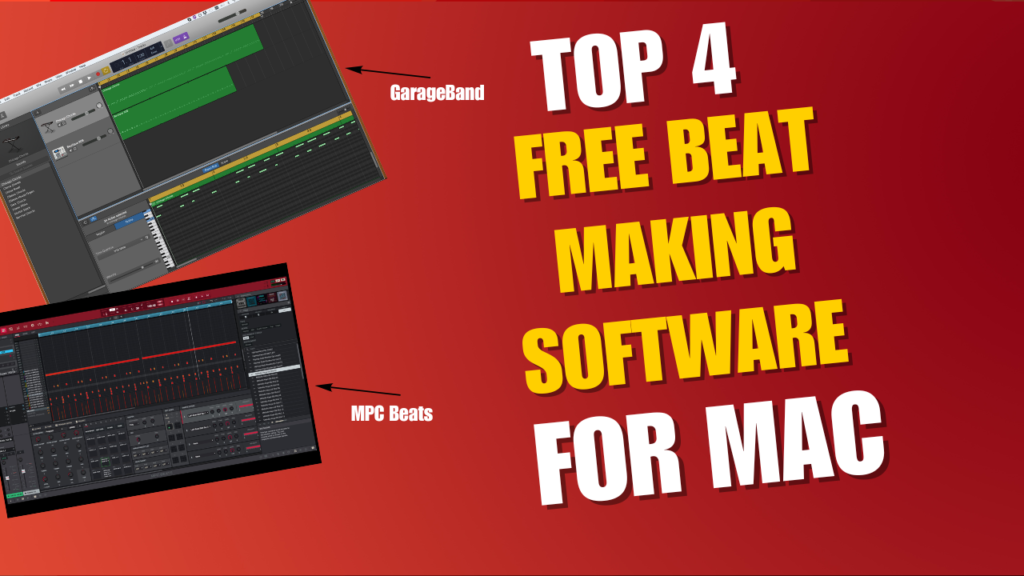
GarageBand (The Undisputed King for Mac)
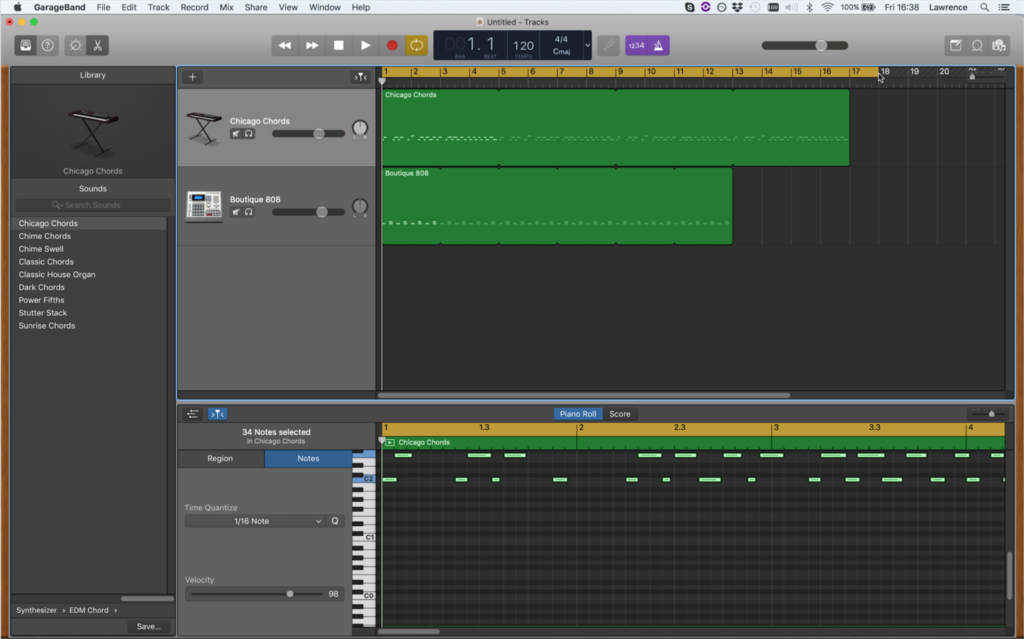
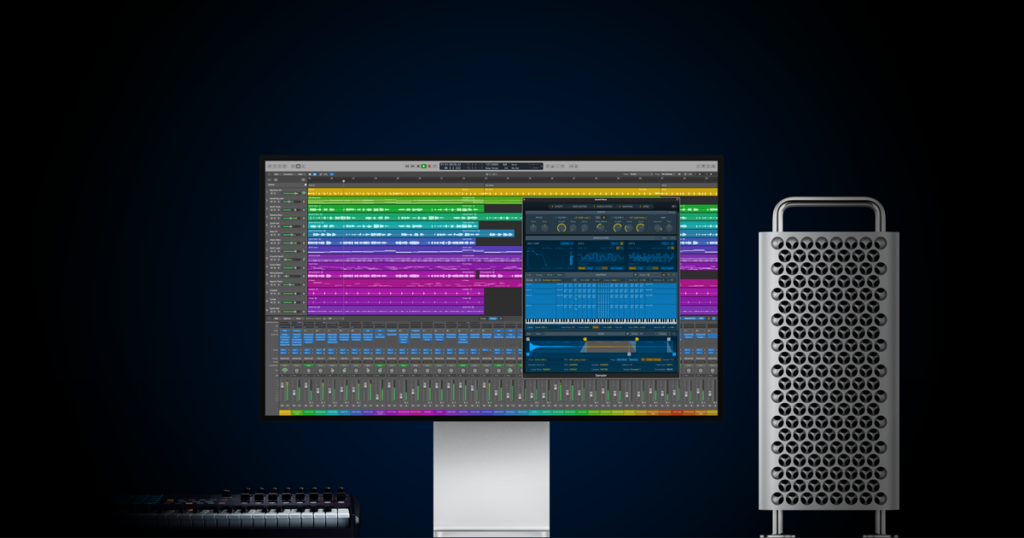
GarageBand comes pre-installed on every new Mac computer, making it the most accessible free beat making software for Mac users. It shares the same underlying audio engine as Apple’s flagship software, Logic Pro.
- Best for: Absolute beginners and rapid musical sketching.
- Features: Includes a massive library of high-quality Apple Loops, virtual drummers, and built-in software instruments.
- Hardware & MIDI Bundles: Because it is an Apple-exclusive product, GarageBand is not bundled with any third-party hardware. However, it boasts incredible plug-and-play compatibility. Almost any class-compliant USB MIDI keyboard (like the Novation Launchkey or Nektar Impact) will instantly connect, with transport controls (Play, Stop, Record) mapping automatically without any manual setup.
- Limitations: The interface hides advanced mixing tools, and it lacks the ability to export individual stems (trackouts) easily for collaborative studio work.
MPC Beats (Best for Hip-Hop & Boom Bap)
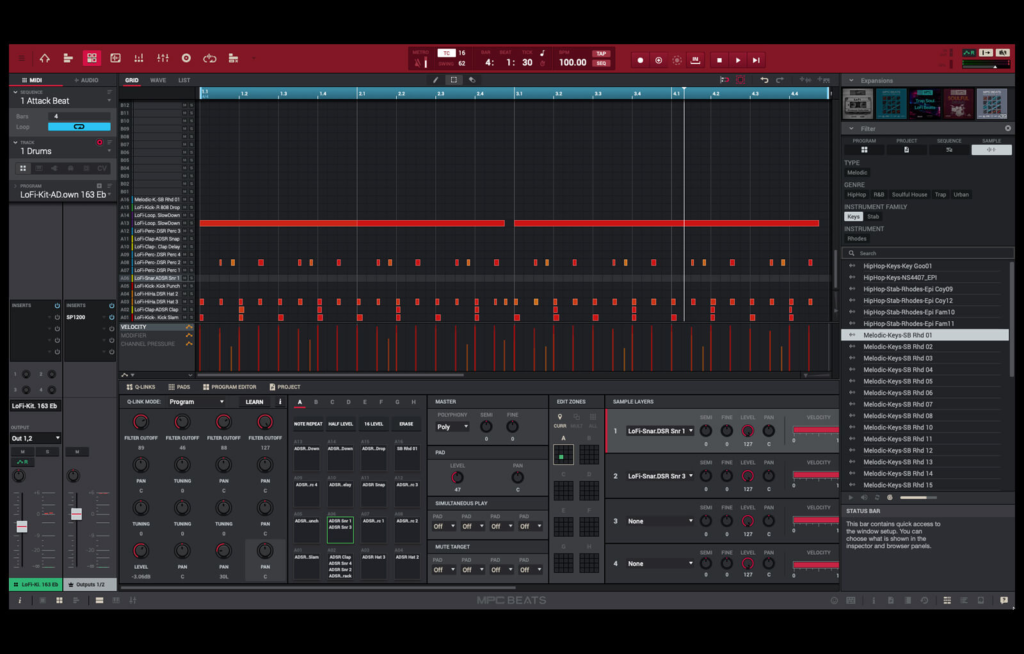
For producers focused on heavy grooves, sampling, and traditional hip-hop, MPC Beats by Akai Professional is an unmatched free beat maker for Mac. It emulates the legendary MPC hardware workflow.
- Best for: Boom-bap producers, sample choppers, and beatmakers using MIDI drum pads.
- Features: It provides the classic “MPC swing” that gives drums an authentic, human groove. The software includes excellent sample-slicing tools and robust drum kits out of the box.
- Hardware & MIDI Bundles: This is where MPC Beats dominates. While it works with any generic keyboard, it is the official software bundled with industry-standard Akai hardware. If a producer purchases the highly popular Akai MPK Mini Mk3, Akai MPD218, or Akai Fire, MPC Beats is included, and every drum pad, knob, and fader is pre-mapped flawlessly straight out of the box.
- Limitations: The software limits the user to 8 MIDI tracks and 2 audio tracks. While restrictive for orchestral music, 8 tracks are often more than enough for a punchy, sample-based boom-bap instrumental.
Tracktion Waveform Free (Best Unrestricted DAW)
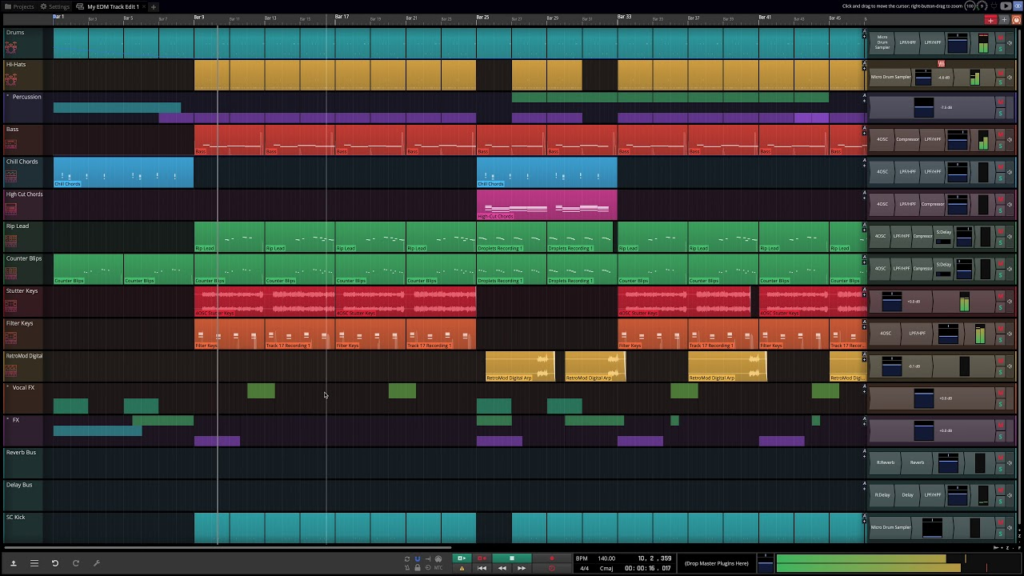
Waveform Free is a rarity in the digital audio space: a completely unlimited free DAW for Mac. It does not impose track counts, export restrictions, or plugin limitations.
- Best for: Producers who need unlimited tracks for complex cinematic arrangements or large vocal tracking sessions.
- Features: Full AU/VST support, an innovative single-screen interface, and advanced MIDI editing capabilities.
- Hardware & MIDI Bundles: Waveform Free is an independent download available to anyone. However, its sister version (Waveform OEM) is frequently bundled with hardware from major brands like Mackie and Behringer. For the free version, users can connect any standard MIDI controller (like an M-Audio Keystation or Arturia MiniLab) and use the internal “MIDI Learn” function to map their hardware knobs to software parameters manually.
- Limitations: The user interface is highly unconventional and may present a steep learning curve for those accustomed to traditional DAW layouts.
LMMS (The Open-Source Option)
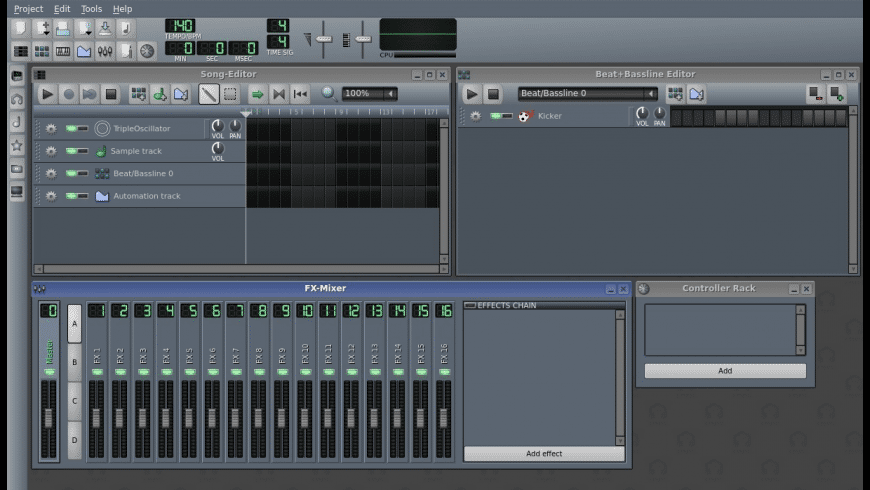
LMMS (Linux MultiMedia Studio) is a cross-platform, open-source music production environment that highly resembles the workflow of FL Studio.
- Best for: Electronic dance music (EDM), trap beatmakers, and synthesizer enthusiasts.
- Features: Includes an easy-to-use step sequencer for programming rapid hi-hats and deep 808s, alongside a variety of built-in open-source synthesizers.
- Hardware & MIDI Bundles: Because LMMS is a 100% community-driven, open-source project, it has no commercial affiliations and is not bundled with any MIDI keyboards. It supports generic class-compliant USB keyboards, but producers should be prepared to spend a few minutes manually assigning their hardware controls, as it lacks the automated mapping scripts found in commercial software.
- Limitations: Historically, LMMS has struggled with stable AU plugin support on macOS, making it slightly less reliable when integrating complex third-party libraries.
Comparison Table: Top 5 Free Mac DAWs
| DAW Software | Best For | Track Limits | 3rd Party Plugin Support |
| GarageBand | Beginners / Sketching | 255 Tracks | Yes (AU) |
| MPC Beats | Boom-Bap / Sampling | 8 MIDI / 2 Audio | Yes (AU/VST) |
| Waveform Free | Complex Arrangements | Unlimited | Yes (AU/VST) |
| LMMS | Trap / EDM | Unlimited | Limited/Unstable (AU) |
How to Upgrade Your Free Software (Pro Tips)
A free DAW is merely the engine. To elevate the sound to commercial standards, a producer must expand their toolkit and organize their digital environment.
1. Expand with Free Plugins: Stock reverbs in free software can sometimes sound metallic and cheap. To give a beat a massive, cinematic sense of space, producers should download third-party effects. Integrating the best free reverb plugins into a DAW via the AU format will instantly upgrade the mix depth.
2. Implement Strict File Routing:
When working with free beat making software for Mac, sessions can quickly become unorganized. Audio engineers recommend using a rigid folder hierarchy for exporting and importing audio.
Example of a professional audio file directory for stems:
/MacHD/Users/Producer/Music/Project_Name/
├── /01_Audio_Stems/
│ ├── KICK_DRUM_MONO.wav
│ ├── SNARE_TOP_MONO.wav
│ └── BASS_SYNTH_STEREO.wav
├── /02_MIDI_Files/
└── /03_Mixdowns/
3. Utilize Mixing Frameworks:
Having unlimited tracks is useless without proper equalization and gain staging. Producers should utilize a mixing cheat sheet to ensure frequencies do not clash, especially in the low-end where kick drums and bass lines compete for headroom.
GarageBand vs. Logic Pro: When Should You Upgrade?
Many producers start with GarageBand and eventually wonder if it is time to purchase Logic Pro. Because they share the same architecture, moving from GarageBand to Logic Pro is entirely seamless—Logic can open GarageBand project files directly.
A producer should only upgrade to Logic Pro when they encounter the following workflow barriers:
- The need to export individual multi-track stems for a mixing engineer.
- The requirement for advanced bus routing and auxiliary sends for complex delay/reverb networks.
- A demand for industry-standard pitch correction (Flex Pitch) for professional vocal tuning.
| Feature | GarageBand (Free) | Logic Pro (Paid) |
| Target Audience | Beginners / Hobbyists | Professionals / Studios |
| Mixer Console | Basic Volume / Pan | Full Routing / Busses |
| Vocal Tuning | Basic Pitch Slider | Flex Pitch (Advanced) |
| Stem Export | Master Track Only | Full Multi-Track Export |
Conclusion
Finding the best free daw for Mac does not require compromising on audio quality. In 2026, software like MPC Beats provides the perfect groove for boom-bap, while Waveform Free offers an unrestricted canvas for cinematic compositions. By utilizing macOS’s native audio capabilities and expanding these DAWs with high-quality third-party plugins, independent artists have everything they need to produce, mix, and finalize professional music entirely for free. To see more, check our full guide on free beatmaking software for all platforms!
FAQ
Yes. Several mainstream artists, including Rihanna and Kendrick Lamar, have utilized elements originally produced in GarageBand. The audio engine is identical to Logic Pro; only the interface is simplified.
No. Most free beat maker Mac software includes a “Musical Typing” feature, allowing the user to trigger drum sounds and play melodies using the standard QWERTY keyboard on their MacBook.
VST (Virtual Studio Technology) is a universal plugin format used heavily on Windows. AU (Audio Units) is Apple’s proprietary format, specifically optimized to run efficiently within the macOS operating system.