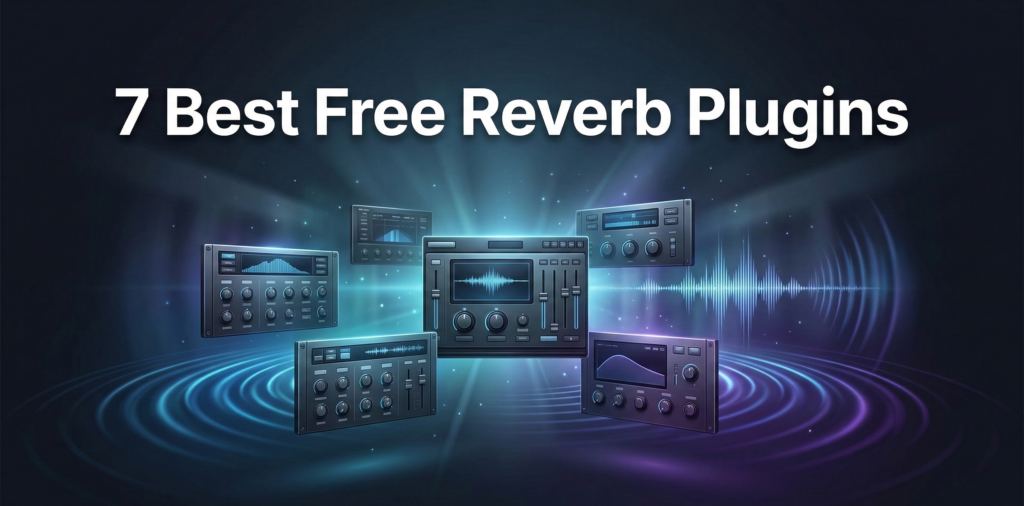
7 Best Free Reverb Plugins (VST/AU) to Upgrade Your Mix
Disclaimer: Point Prime Recordings is not affiliated with the developers mentioned in this article. We do not receive any commissions, financial incentives, or affiliate revenue from the download links provided below. This guide is created solely for educational purposes to help independent producers find high-quality free tools.
Introduction
In modern audio production, the difference between a flat, “amateur” sound and a professional, immersive mix often comes down to the quality of spatial effects. Reverb is the essential tool that places dry recordings into a physical or artificial space, providing depth, width, and emotional character. While premium bundles from companies like FabFilter or Universal Audio are industry standards, the freeware market in 2026 has evolved to a point where high-end sonic results are accessible to everyone.
This guide explores the best free reverb plugins available today, ranging from massive cinematic engines to vintage plate emulations. Whether a producer is working on a gritty boom-bap beat or a polished pop vocal, these free reverb plugins offer the professional-grade algorithms necessary to compete on global streaming platforms.
What is A Reverb?
A reverb plugin is a digital processor designed to simulate the sound of acoustic reflections within a room or artificial environment. When a sound is produced in a physical space, it bounces off walls, ceilings, and floors before reaching the listener’s ears. A reverb VST recreates these reflections using complex mathematical algorithms or impulse responses (IR).
So, why do producers and audio engineers tend to use reverb in their mixes:
- Depth Creation: Placing an instrument further back in the virtual “stage.”
- Gluing the Mix: Helping disparate samples sound as if they were recorded in the same acoustic environment.
- Sound Design: Extending short sounds into long, evolving textures—essential for cinematic hip-hop.
Top Free Reverb VSTs for Every Producer
To maintain an efficient workflow, producers should categorize their reverb VST plugins by their specific sonic characteristics. Below are the best free reverb VST plugins currently dominating the independent production scene.
Valhalla Supermassive (Best for Cinematic Space)
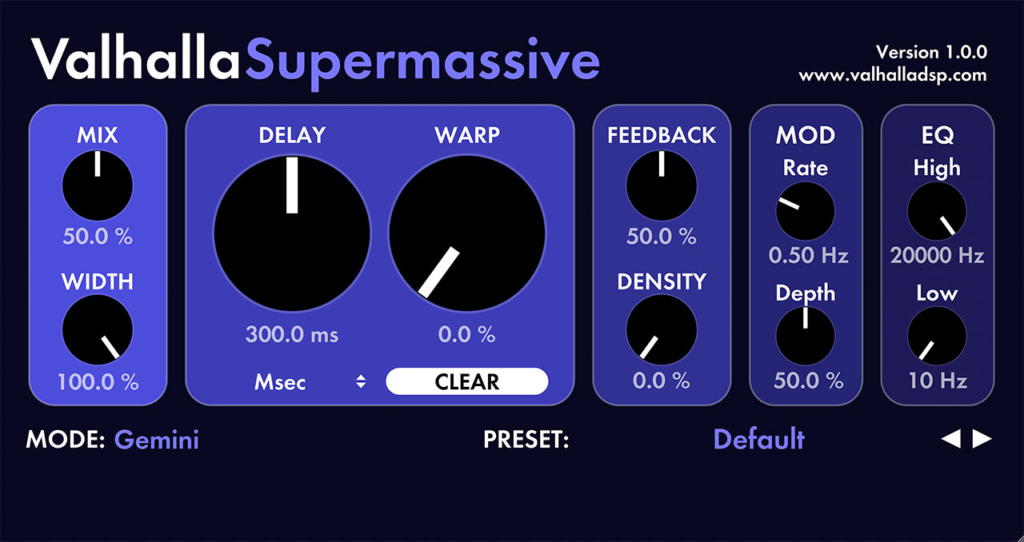
Valhalla Supermassive is a powerhouse of sound design, blending massive delay clouds with lush, swirling reverbs. It uses a variety of “modes” named after celestial bodies to create anything from simple echoes to infinite, evolving atmospheres.
- Best for: Huge ambient swells, cinematic pads, and experimental soundscapes.
- Pros:
- Unique “Mode” selection for varied reverb characters.
- Incredible density and smoothness for long decay times.
- Highly intuitive interface with zero learning curve.
- Cons:
- Can be too “large” for simple, small room tasks.
- High CPU usage on very complex settings.
- OS Compatibility: Windows / macOS | VST / VST3 / AU / AAX.
OrilRiver by Denis Tihanov (Best All-Rounder)
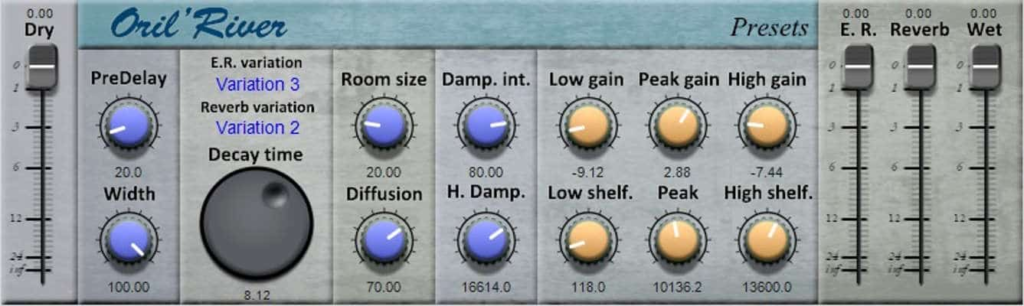
OrilRiver is an algorithmic reverb effect that rivals many paid alternatives in terms of flexibility. It features a built-in 3-band equalizer to shape the decay tail, making it a good option for keeping a mix from becoming muddy.
- Best for: Modern vocals, snare drums, and acoustic instruments.
- Pros:
- Exceptional clarity in the high-frequency range.
- Includes a dedicated “Room” and “Hall” engine.
- Visual EQ display for real-time monitoring.
- Cons:
- The interface may feel slightly dated to some users.
- OS Compatibility: Windows / macOS | VST2 / VST3.
TAL-Reverb-4 (Best for Vintage Character)
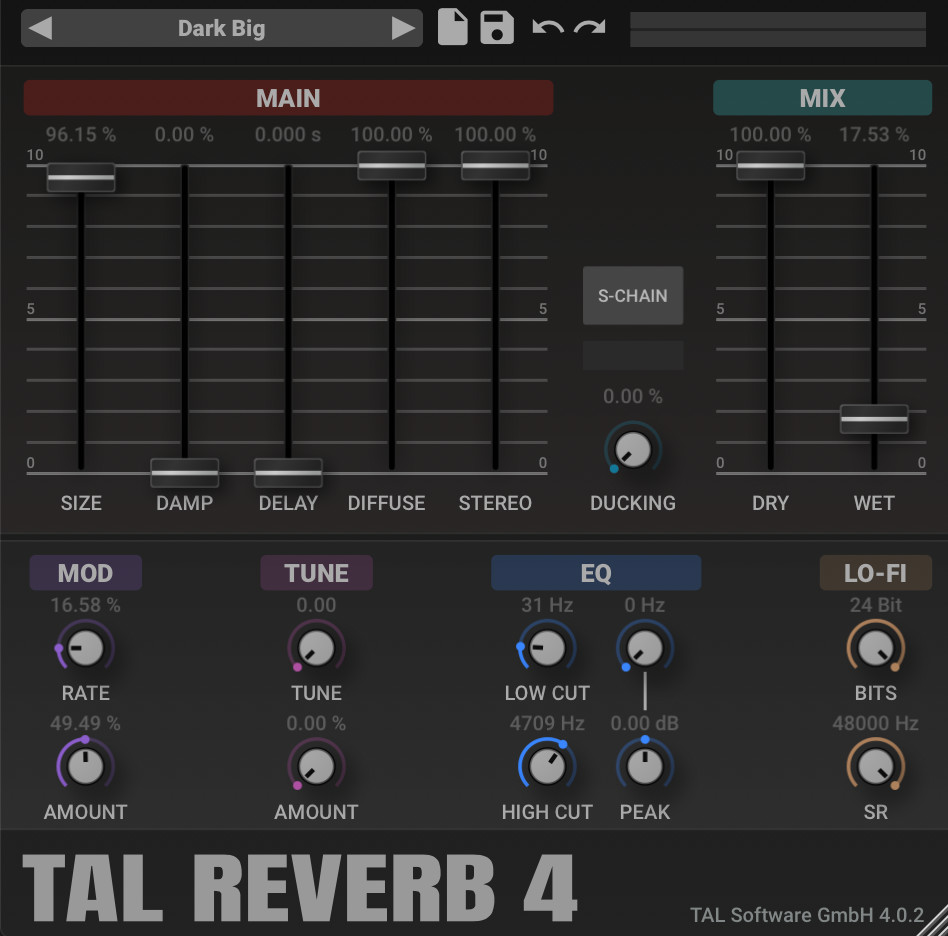
TAL-Reverb-4 is a high-quality reverb plugin with a distinct 80s character. It is modeled after vintage hardware units, providing a modulated, “diffused” sound that adds instant vibe to any digital source.
- Best for: Vintage vocal presence, lo-fi beats, and retro synthesizers.
- Pros:
- Simple “one-knob” philosophy for fast results.
- Beautifully modulated tail that avoids a “metallic” sound.
- Extremely lightweight on CPU resources.
- Cons:
- Limited control over specific room dimensions.
- OS Compatibility: Windows / macOS / Linux | VST / AU / AAX.
Voxengo OldSkoolVerb (Best for Classic Plate/Room)
OldSkoolVerb is an algorithmic reverb VST that excels at creating classic, “non-resonant” spaces. It is one of the best reverb plugins for achieving a traditional studio sound without unwanted artifacts.
- Best for: Classic plate reverb on vocals and realistic room sounds for percussion.
- Pros:
- Very transparent and “natural” sounding.
- Comprehensive control over spatial parameters.
- Cons:
- Lacks the “lushness” required for modern ambient music.
- OS Compatibility: Windows / macOS | VST / VST3 / AU / AAX.
SmartElectronix Ambience (The Old-School Legend)
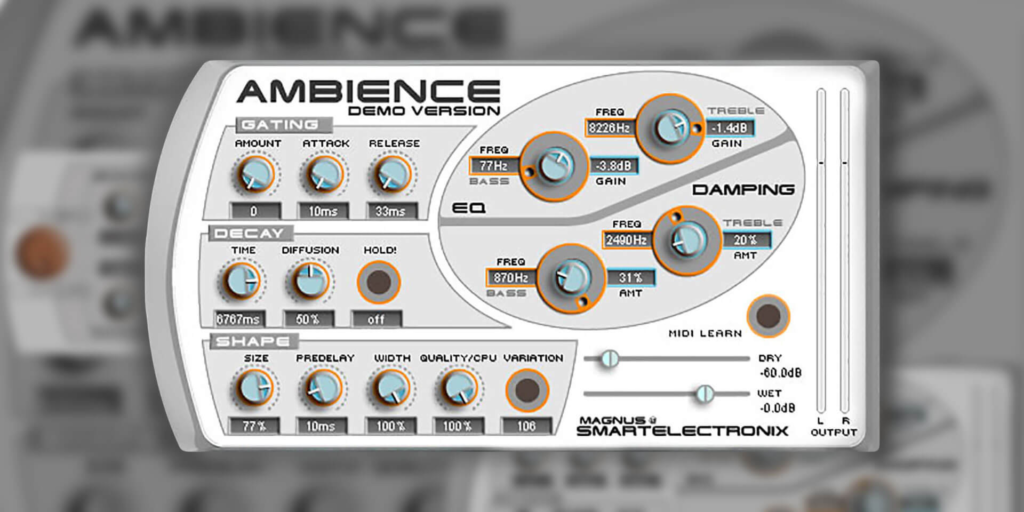
Ambience has been a staple in the free reverb plugins category for over a decade. It is known for its “Gater” function and its ability to create wide, shimmering spaces.
- Best for: Percussion rhythms and wide synth leads.
- Pros:
- Built-in “Hold” button for infinite sustain.
- Distinctive gating effect for rhythmic reverb.
- Cons:
- Known for occasional stability issues in modern DAWs.
- OS Compatibility: Windows / macOS | VST / AU.
Protoverb by u-he (Best for Unconventional Spaces)
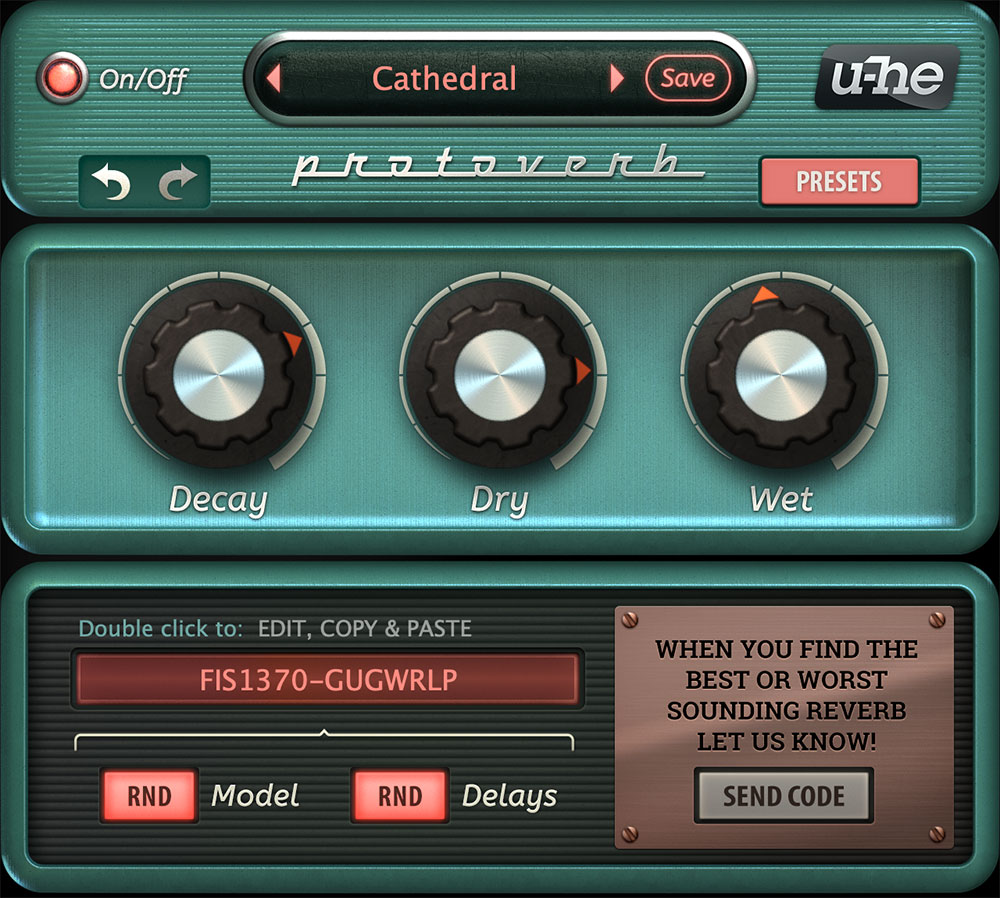
Protoverb is a “research-based” reverb plugin that uses a simulator of a body of air rather than standard algorithms. This reverb effect generates unique room codes that producers can share with one another.
- Best for: Experimental Foley and unconventional room modeling.
- Pros:
- Generates completely unique, non-repeating resonances.
- Uses a crowd-sourced approach to preset creation.
- Cons:
- Random nature makes it difficult to dial in a specific sound quickly.
- OS Compatibility: Windows / macOS / Linux | VST / VST3 / AU / AAX.
Dragonfly Reverb Bundle (Best Free Bundle)
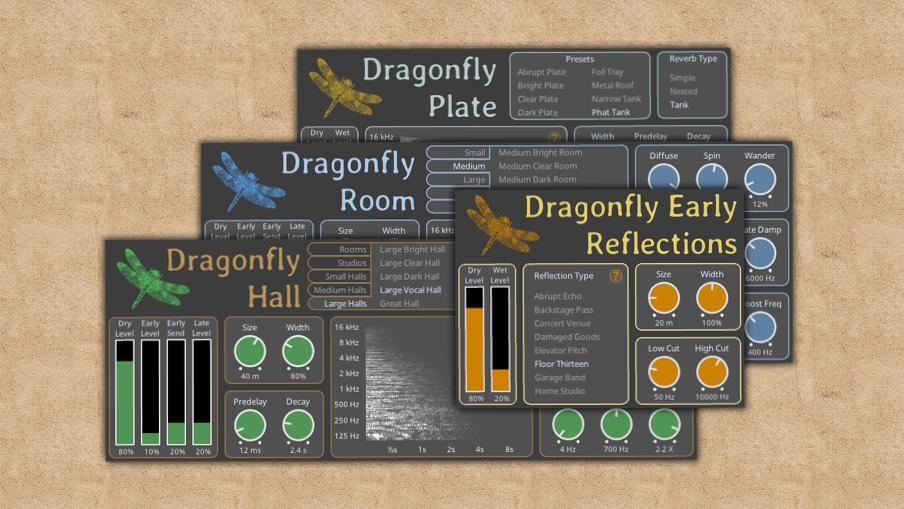
Dragonfly is a collection of four reverb plugins free of charge, including Room, Hall, Plate, and Early Reflections. It is widely considered the best option package for Linux and Windows users.
- Best for: Complete mixing sessions requiring multiple reverb types.
- Pros:
- High-fidelity algorithms based on Freeverb3.
- Clean, high-resolution vector interface.
- Cons:
- macOS installation can sometimes be complex.
- OS Compatibility: Windows / macOS / Linux | VST / LV2.
Plate vs. Hall vs. Room: Which Reverb Should You Use?
Choosing the reverb plugin is only half the battle; the producer must also select the correct algorithm for the task.
- Room Reverb: Simulates a small, enclosed space. It is used to add “thickness” and 3D depth to drums (especially snares) without creating a long, distracting tail.
- Hall Reverb: Emulates large concert halls. Use this on orchestral elements or lead vocals to create a sense of grandeur and professional scale.
- Plate Reverb: Based on an old hardware method using a large metal plate. It has a bright, “silky” high-end, making it a great choice for making vocals sit on top of a dense mix.
Pro Tips: Using Reverb on Hip-Hop & Boom-Bap Beats
When working with heavy, cinematic hip-hop, managing reverb plugins is crucial to maintaining low-end punch. If a producer applies this special effect directly to a kick drum or 808, the mix will lose its impact and become muddy.
- The Abbey Road Trick: Use your reverb plugin on a “Return” or “Send” bus rather than as an insert. Apply a high-pass filter (cutting everything below 600Hz) and a low-pass filter (cutting everything above 10kHz) to the reverb channel. This keeps the low-end clean and the high-end from sounding “brittle.”
- Contrast is Key: For a cinematic vibe, keep your drums completely dry and punchy, while applying a massive plugin like Valhalla Supermassive to your melodic samples. This creates a professional sense of “forward” and “backward” space in the mix.
To manage complex routing in your DAW, use clear naming conventions for your reverb returns:
Plaintext
BUS_01_SHORT_ROOM_SNARE
BUS_02_LUSH_VOCAL_PLATE
BUS_03_CINEMATIC_AMBIENCE_SND
Conclusion
Choosing the right free reverb plugin for mixing allows bedroom producers to achieve a “million-dollar sound” without the financial burden. By combining a versatile all-rounder like OrilRiver with a specialized cinematic tool like Supermassive, a producer can cover every spatial requirement of a modern mix. Remember that the best free reverb plugin is the one that serves the emotion of the song while maintaining the clarity of the mix.
FAQ
For modern, clean vocals, OrilRiver is often considered the best free vst reverb. For a more vintage or lo-fi vocal sound, TAL-Reverb-4 is a superior choice.
Yes. In a professional workflow, it is common to use a Room reverb for drums, a Plate for vocals, and a Hall for the overall atmosphere to create a cohesive sense of depth.
Muddiness usually occurs when low frequencies from the reverb tail clash with the bass or kick. Always use an EQ to cut the low-end (below 500-600Hz) on your reverb return track.