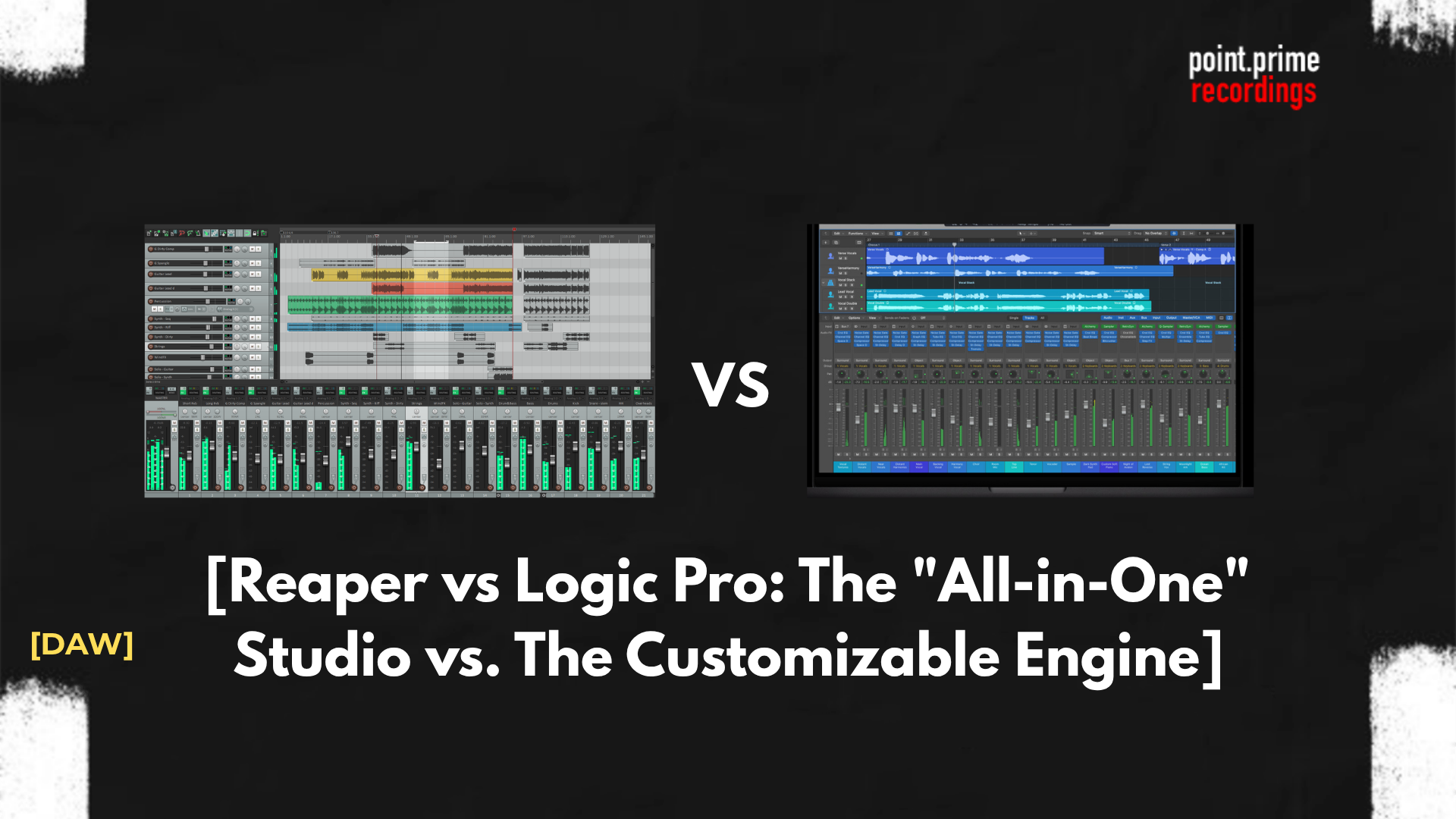
Reaper vs Logic Pro: The “All-in-One” Studio vs. The Customizable Engine (2026)
Introduction
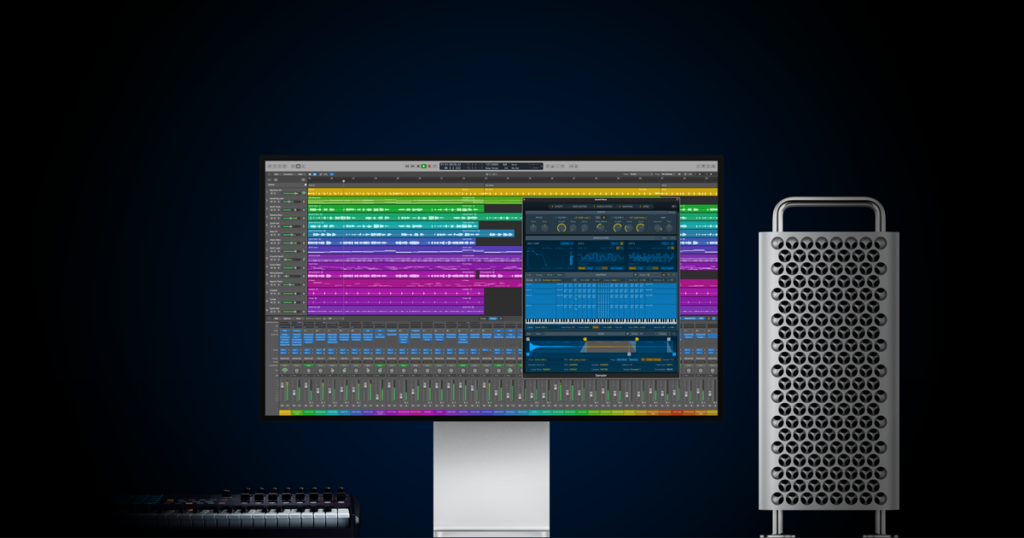
When comparing Logic Pro and Reaper, it is essential to understand the target audience for each. Logic Pro is designed to facilitate creativity immediately upon installation, providing thousands of instruments and loops to assist songwriters and composers. Reaper (Rapid Environment for Audio Production, Engineering, and Recording) focuses on raw performance and flexibility, offering a blank canvas that engineers can tailor to their specific technical requirements.
Platform & Compatibility
The first and most decisive factor is the operating system.
- Logic Pro: As an Apple product, Logic Pro is exclusive to macOS. It does not run on Windows or Linux. This creates an “ecosystem lock-in,” meaning that if a producer switches to a PC in the future, they lose access to their software and projects.
- Reaper: This software is cross-platform. It runs natively on macOS, Windows, and Linux. Furthermore, Reaper offers a “Portable Install” option, allowing users to run the entire DAW from a USB stick on any computer without modifying the system registry.
For users working in multi-OS environments, an easy win goes for Reaper. However, for dedicated Mac users, Logic Pro offers deep integration with features like Logic Remote for iPad control.
The “Out-of-the-Box” Experience
The most significant value gap in our comparison lies in the included content.
Logic Pro: The Complete Studio
Logic Pro is famous for its value proposition. A single installation includes over 70GB of content:
- Alchemy: A powerhouse sample-manipulation synthesizer (formerly sold separately for $249).
- Drummer: An AI-powered virtual session player that generates realistic acoustic drum tracks.
- Loop Library: Thousands of royalty-free Apple Loops.
- Result: A user can produce a radio-ready track using only stock plugins.
Reaper: The Blank Canvas
Reaper takes a utilitarian approach. The installer is less than 20MB.
- No VST Instruments: Reaper includes almost no virtual instruments. It assumes the user already owns third-party synths (like Serum or Kontakt).
- Stock Effects: It includes a suite of mixing tools (ReaEQ, ReaComp), but they feature generic, text-based interfaces without the visual polish of Logic’s plugins.
Result: In this content comparison, Reaper requires the user to “bring their own” sounds. On the other hand, Logic Pro has everything you need and even more to start creating!
See also
Reaper vs Pro Tools – which one is best for audio engineering?
Logic Pro vs FL Studio – which is best place to make music?
Workflow & Interface
Workflow preference is subjective, but the structural differences between powerful competitors are objective.
Logic Pro: The Magnetic Timeline
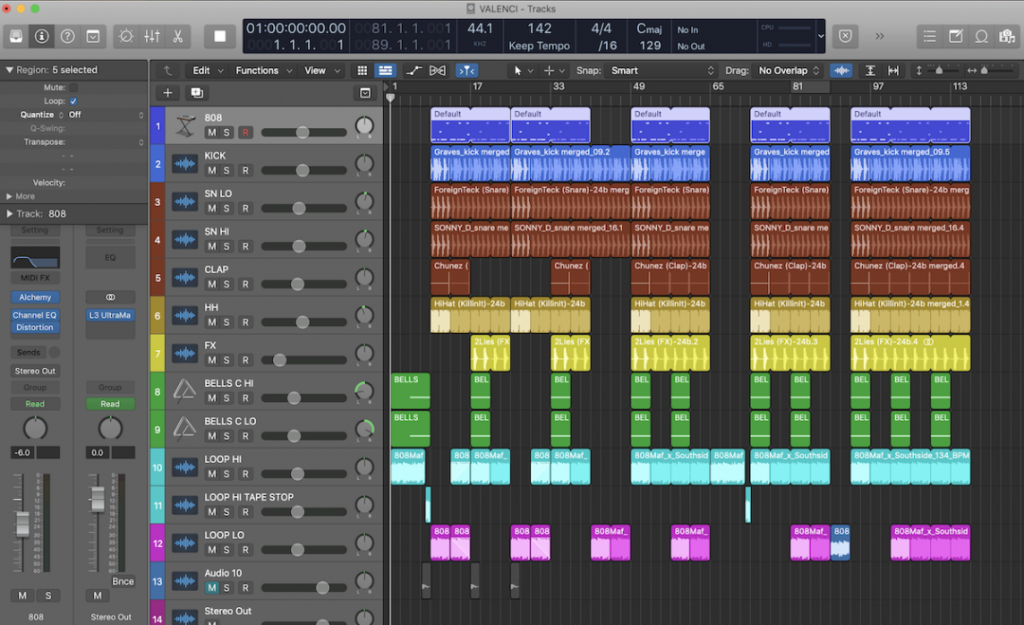
Logic Pro follows a polished, user-friendly design philosophy similar to GarageBand.
- Smart Tools: Features like “Smart Tempo” and “Flex Pitch” are designed to automate complex tasks.
- Structure: The interface is somewhat rigid. While you can open and close windows, the main toolbar and workflow are fixed to ensure ease of use for creative songwriters.
Reaper: The Customizable Engine
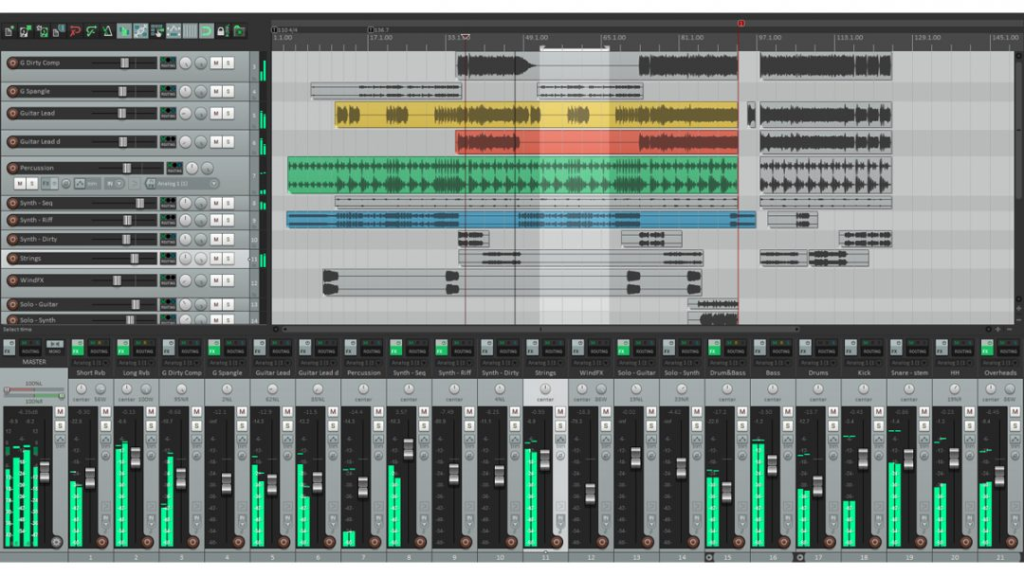
Reaper is defined by its deep menus and scriptability.
- Theming: Users can completely change the look of the DAW. One can download a “Logic Pro Theme” for Reaper to mimic the Apple aesthetic, or an “Analog Console” theme for mixing.
- Actions List: Every function in Reaper can be assigned to a custom shortcut or macro. For example, a game audio designer can write a script to export thousands of sound effects with specific naming conventions in one click.
Performance on Apple Silicon
Since both DAWs run on macOS, performance on Apple Silicon (M1/M2/M3 chips) is a key metric in 2026.
- Logic Pro: As first-party software, Logic is optimized to squeeze every drop of power from the Mac architecture. It handles high track counts with ease.
- Reaper: Despite not being made by Apple, Reaper is legendary for its coding efficiency. In many stress tests, Reaper uses less RAM and CPU overhead for the same number of plugins. It is arguably the most efficient DAW on the market, making it ideal for older MacBooks/Windows machines.
Pricing Models
The financial comparison highlights two of the most consumer-friendly models in the industry. Neither requires a subscription.
- Logic Pro: A flat fee of $199.99. This has remained constant for over a decade. Considering the massive sound library included, it is widely regarded as the best value-for-money ratio in the music software world.
- Trial: A very generous 90-day free trial with everything it has on board!
- Reaper: A tiered licensing model.
- Discounted License: $60. This applies to individuals and small businesses earning less than $20,000/year. It is the full version with no restrictions.
- Commercial License: $225. For large professional studios.
- Trial: 60-day free trial that is fully functional (no noise bursts or saving limits).
Stuck on a melody?
Don’t let writer’s block slow down your session. Use our free Chord Progression Generator to create emotional harmonies and complex voicings. A perfect starting point for your next track.
Comparison Table: Reaper vs. Logic Pro
When weighing Logic and Reaper, use this technical breakdown to compare specs.
| Feature | Reaper | Logic Pro |
| OS Compatibility | macOS, Windows, Linux | macOS Only |
| Pricing | $60 (Personal) / $225 (Pro) | $199.99 (Standard) |
| Sound Library | Minimal (<100MB) | Massive (70GB+) |
| Stock Synths | Basic / None | Industry Leading (Alchemy, Retro Synth) |
| Plugin Format | VST, VST3, AU, JSFX | AU (Audio Unit) Only |
| Customization | Extreme (Scripting/Theming) | Limited (Standardized) |
| Video Features | Excellent (Fast Playback) | Good (Score Editor) |
Conclusion
The final verdict for you depends on whether you view yourself primarily as a composer or an engineer.
- Choose Logic Pro if: You are a songwriter, beatmaker, or composer who wants a complete package. If you want to open the software and immediately have access to world-class drummers, synthesizers, and loops without configuring a thing, Logic Pro is the superior choice. The $199 price tag is a steal for the content provided.
- Choose Reaper if: You are a mixing engineer, sound designer, or someone who loves to tinker. If you already have a collection of third-party plugins and value a fast, efficient workflow that you can customize down to the pixel, Reaper is unmatched. Its cross-platform nature also makes it the only option if you plan to collaborate with Windows users.
Ultimately, both DAWs are capable of producing professional, chart-topping audio. The difference between Logic Pro and Reaper lies not in sound quality, but in how they facilitate your personal creative process.
FAQ
No. Logic Pro uses the Apple-proprietary AU (Audio Unit) format. It does not support VST or VST3. In our comparison we can see that Reaper supports all major formats (VST, AU, JSFX) on Mac.
Reaper can be intimidating for beginners because it comes “empty.” Unlike Logic, which guides you with presets and loops, Reaper requires you to set up your own tracks and effects chains. However, this forces users to learn the fundamentals of signal flow.
No. The summing engine (the math that combines audio tracks) is identical in all modern 64-bit DAWs. Any perceived difference in logic vs reaper sound quality comes from the stock plugins used, not the software engine itself.
Not directly. You cannot open a .logicx file in Reaper. To move a project, you must export the individual tracks as audio files (stems) or use specialized conversion software like AATranslator.
Reaper has a very small development team and spends almost zero money on marketing. Logic Pro is a “loss leader” for Apple—it is priced cheaply to encourage users to buy Mac hardware.