Logic Pro vs FL Studio: Which DAW is Right for You in 2026?
Intro
Choosing a Digital Audio Workstation (DAW) is the most critical decision a modern producer makes. It defines the workflow, the creative limitations, and the long-term budget of a music career. The debate of logic pro vs fl studio is one of the most heated in the industry, often dividing producers into two distinct camps.
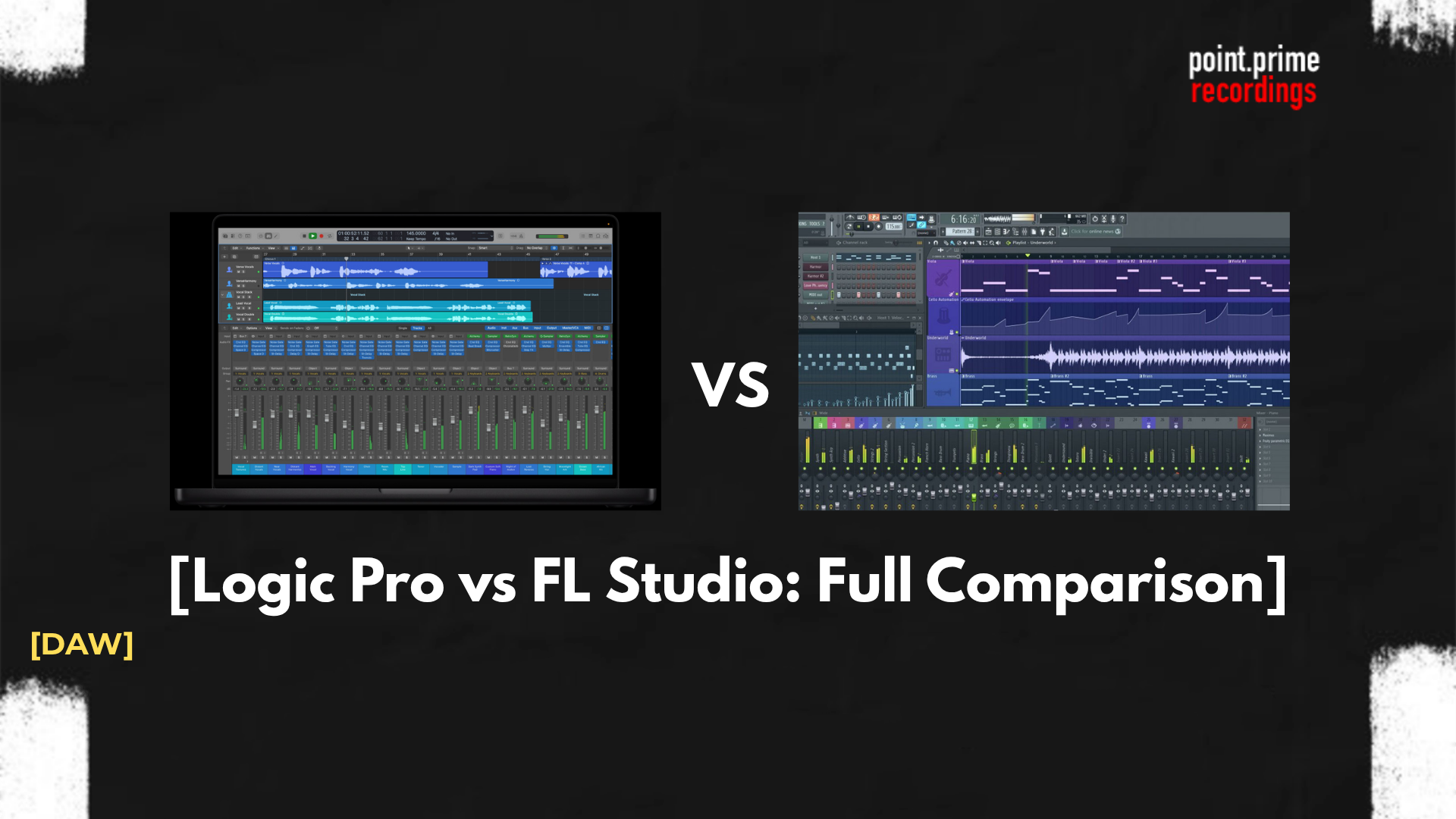
While both are capable of producing Billboard hits, they approach music creation from fundamentally different philosophies. This guide provides a neutral, technical comparison of fl studio vs logic pro, analyzing their architecture, feature sets, and pricing models to help users make an informed choice in 2026.
Understanding the core differences in these two different workflows is essential. One prioritizes pattern sequencing, while the other prioritizes linear arrangement and recording.
The Main Barrier: Operating System (Mac vs. Windows)
Before discussing features, the first filter in the logic vs fl studio decision is hardware compatibility.
- Logic Pro: It is an Apple exclusive. It runs only on macOS. There is no Windows version. If a user does not own a Mac, Logic Pro is effectively off the table unless they are willing to invest in new hardware.
- FL Studio: It is cross-platform. It runs natively on both Windows and macOS.
Note: For users strictly on Windows, the choice is made for them. However, for Mac users, the choice between DAWs is a valid dilemma, as FL Studio has been fully optimized for Apple Silicon (M1/M2/M3 chips).
Workflow Philosophy: Patterns vs. Timeline
The most significant difference when comparing FL Studio and Logic Pro is how the software asks the user to think about music.
FL Studio: The Pattern Workflow
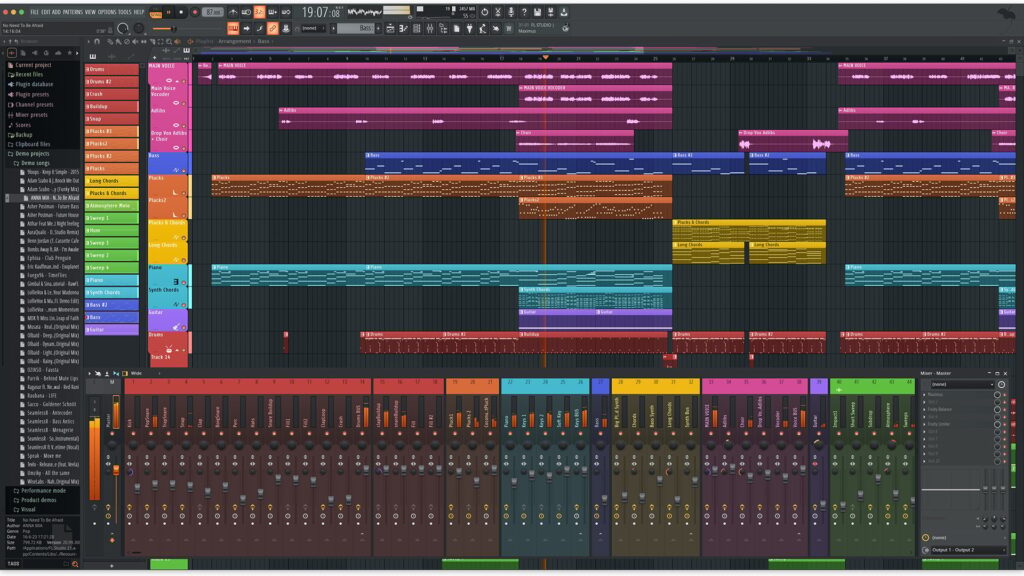
FL Studio is built around the “Channel Rack” and “Step Sequencer.”
- Loop First: The user creates short loops (Patterns) containing drums, melodies, or chords.
- Paint Later: These patterns are then “painted” onto the Playlist (timeline) to structure the song.
- Modular: Tracks in the playlist are not tied to specific instruments. One track can hold audio clips, automation, and MIDI patterns simultaneously.
This modular approach makes FL Studio a better option for beatmakers who value speed and experimentation over rigid structure.
Logic Pro: The Linear Workflow
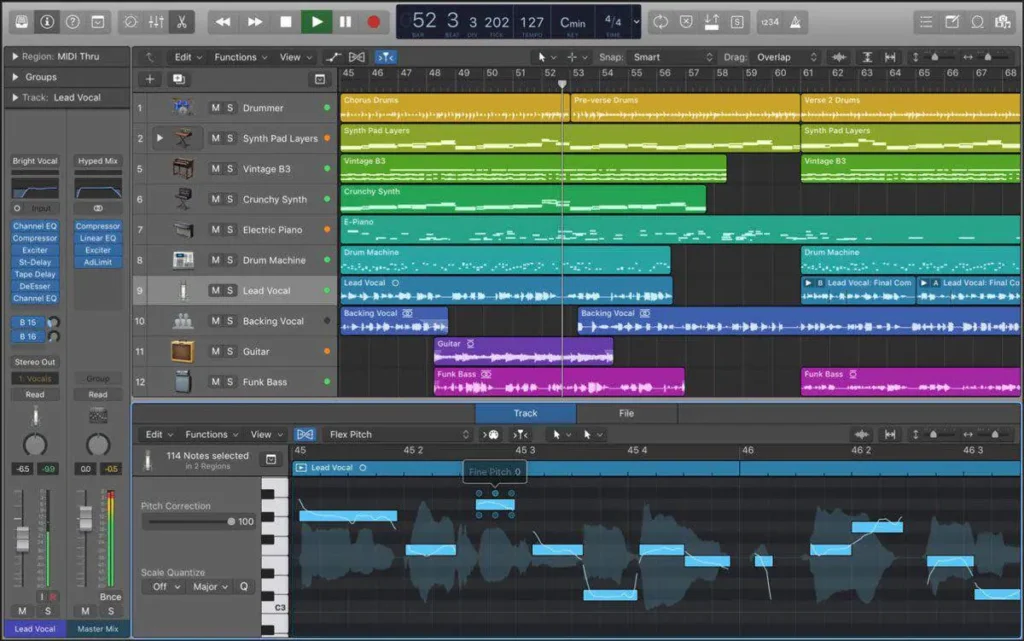
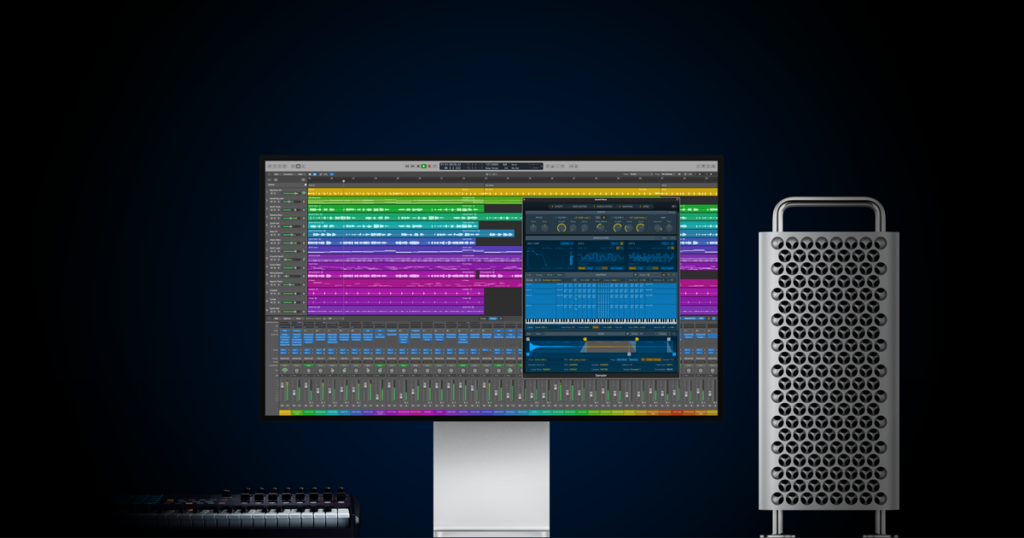
Logic Pro follows a traditional “Tape Machine” or console metaphor.
- Track Based: Each track on the timeline corresponds to a specific channel strip (Instrument or Audio).
- Linear Recording: It is designed for recording long takes of audio or MIDI from start to finish.
- Structure: It enforces a structured approach, which is often preferred by songwriters and engineers recording live instruments.
Key Feature Battle
When analyzing Logic Pro X vs FL Studio, specific features stand out as “superpowers” for each DAW.
The Piano Roll (FL Studio’s Superpower)
FL Studio is widely considered to have the best Piano Roll in the industry.
- Fluidity: Users can slide notes, paint chords, and randomize velocities with fewer clicks than in any other DAW.
- Riff Machine: A built-in tool that auto-generates melodies and chord progressions.
- Glides: The native slide notes allow for bending 808s and leads without complex automation, a staple in Trap music.
Mixing and Recording (Logic Pro’s Superpower)
In the Logic Pro vs FL Studio mixing debate, Logic often takes the lead due to its console-style mixer.
- Comping: Logic’s “Take Folders” allow users to loop-record vocals and seamlessly combine the best parts of multiple takes. This is significantly faster than in FL Studio.
- Dolby Atmos: Logic has fully integrated spatial audio tools for mixing in Surround Sound and Dolby Atmos, which is becoming a standard for Apple Music.
Stock Plugins & Library
- Logic Pro: Comes with a massive 72GB+ library. It includes Alchemy (a powerhouse synthesizer) and Drummer (an AI session drummer).
- FL Studio: Famous for Gross Beat (time manipulation) and synths like Flex and Harmor. However, the lower-tier editions of FL Studio do not include all plugins.
Pricing & Value (The “Lifetime” Factor)
The financial models of logic pro x vs fruity loops are starkly different.
- FL Studio: Operates on a “Lifetime Free Updates” model. A user who bought FL Studio 9 in 2010 can download FL Studio 24 in 2026 for free. It is a higher initial investment for the “All Plugins” bundle, but it pays off over decades.
- Logic Pro: Operates on a standard license model ($199.99). While Apple has not charged for a major update in years (since the release of X), there is no guarantee that “Logic Pro 11” or “12” will be free. However, the upfront cost is incredibly low for the amount of content provided.
Comparison Table: Logic Pro vs. FL Studio
Here is a technical summary of both DAW’s specs.
| Feature | Logic Pro | FL Studio |
| Operating System | macOS Only | Windows & macOS |
| Pricing Model | One-time ($199) | One-time + Lifetime Updates |
| Trial Version | 90 Days (Full) | Unlimited (Can’t re-open projects) |
| Primary Workflow | Linear / Track-based | Pattern / Loop-based |
| Audio Recording | Excellent (Comping) | Good (Edison / Playlist) |
| MIDI Editing | Great | Industry Leading |
| Plugin Format | AU (Audio Units) | VST, VST3, AU |
Verdict: Which One Should You Choose?
The decision of your go-to DAW ultimately comes down to your primary role in music production.
Choose FL Studio if:
- You are primarily a beatmaker (Hip-Hop, Trap, EDM).
- You work on Windows (or collaborate with Windows users).
- You want the best MIDI editing experience available.
- You value the “Lifetime Free Updates” policy.
Choose Logic Pro if:
- You are a Mac user looking for the best value for money.
- You record vocals, guitars, or live bands frequently.
- You want a massive library of high-quality sounds without buying third-party packs.
- You prefer a structured, linear workflow similar to Pro Tools.
In the battle of Logic Pro and FL Studio, there is no loser. Both are professional tools capable of topping the charts. The “best” DAW is simply the one that allows you to get ideas out of your head the fastest.
Enjoyed this guide? Don’t miss other articles!
Reaper VS Pro Tools – For those who can’t decide what DAW is best for music production.
Pro Tools VS Fl Studio – Beatmaking or Engeneering?
FAQ
No. Logic Pro uses the proprietary AU (Audio Unit) format. Most plugin manufacturers make both VST and AU versions, but strictly VST-only plugins will not work in Logic without a wrapper. In fl studio vs logic pro, FL Studio supports VST on both Mac and PC.
FL Studio is often considered easier to start making noise with, but harder to master due to its deep, non-linear menus. Logic Pro has a more traditional interface that may be intuitive to those who have used GarageBand, making the logic pro vs fl studio learning curve subjective.
Yes. The software was rebranded from “FruityLoops” to “FL Studio” many years ago. However, many users still use the terms fruity loops vs logic pro interchangeably.
Neither. The “summing engine” (how the DAW adds audio signals together) is mathematically identical in all modern 64-bit DAWs. The difference in sound in logic pro x vs fl studio comes entirely from the stock plugins and how the user mixes.
Not directly. You cannot open an .flp file in Logic or a .logicx file in FL Studio. You must export the tracks as individual audio stems (WAV files) to move a project from fl studio vs logic pro.